

AI Yoga Checklist: Safer, Smarter Daily Practice
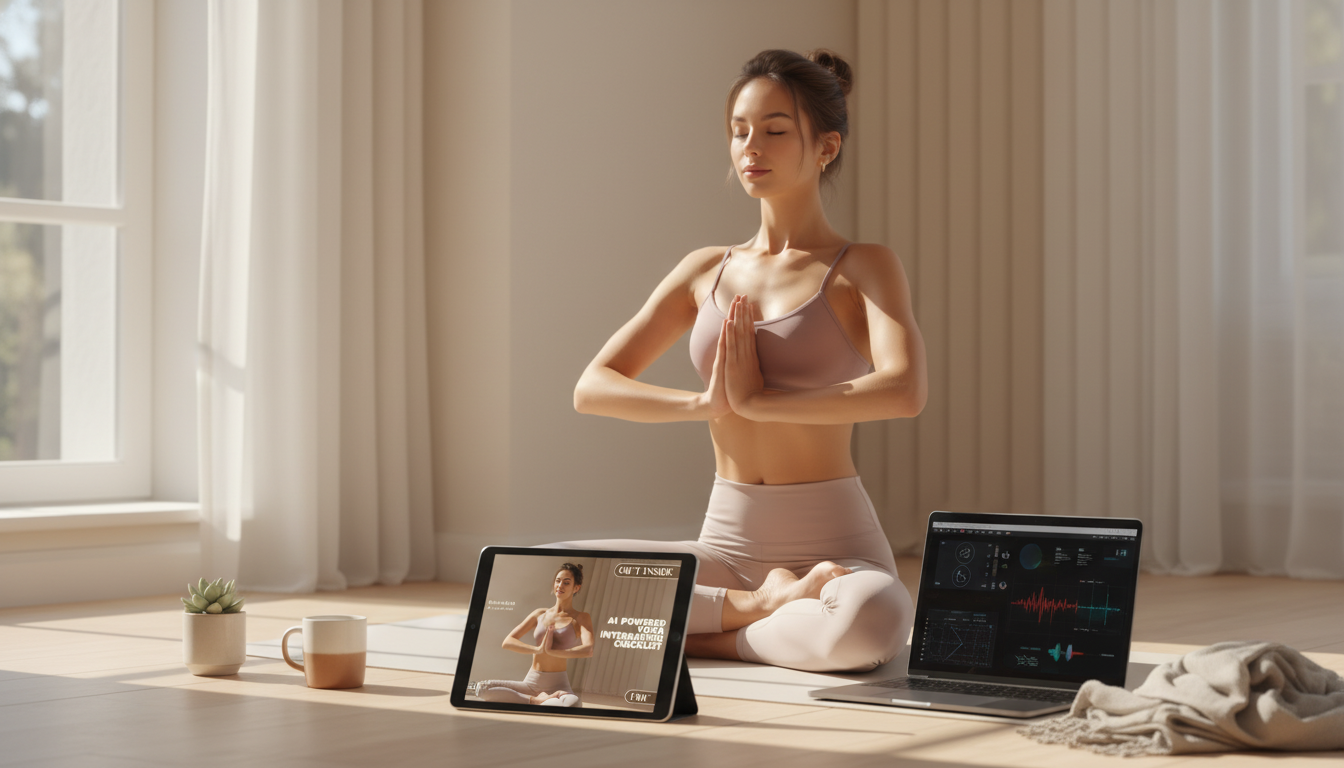
AI-Powered Yoga Integration: A Practical Checklist for Building a Smarter Daily Practice
AI can support a yoga routine by making planning, tracking, and reflection easier—without replacing mindful attention or qualified instruction. A simple checklist keeps the tech helpful (not distracting) by clarifying goals, choosing tools, and setting guardrails for safety, privacy, and consistency.
If you’re managing a health condition or returning from injury, it’s smart to ground your practice in reputable guidance. Resources like NIH NCCIH’s overview of yoga and broader health-tech guidance such as the WHO’s AI ethics and governance for health can help set realistic expectations.
What “AI support” looks like in a yoga routine
AI support works best as a “quiet assistant” that reduces friction before and after you step on the mat. The goal is to remove decision fatigue, highlight patterns you might miss, and keep sessions appropriately scaled for your day.
- Personalized practice planning: generating short sequences based on time available, energy level, and focus (mobility, strength, relaxation).
- Habit support: reminders, streak tracking, and scheduling that fits real-life constraints.
- Progress journaling: summarizing notes about stiffness, sleep, mood, or soreness into patterns over time.
- Form and safety guidance: using reputable apps that provide pose cues and contraindication reminders (not a substitute for a teacher or medical advice).
- Meditation and breath pacing: timers, breath-counting prompts, and simple guided scripts tailored to the day’s needs.
Before starting: set boundaries for safety, privacy, and expectations
AI becomes most useful when you decide what it’s allowed to do—and what it isn’t. A few default boundaries help keep your practice steady, injury-aware, and less screen-dependent.
- Choose a primary intention: reduce stress, improve flexibility, build core strength, or maintain consistency—keep it to one priority for 2–4 weeks.
- Define limits: avoid pain-based stretching, avoid pushing end range when fatigued, and stop any movement that causes sharp pain, numbness, or dizziness.
- If pregnant, managing injury, or dealing with chronic conditions, confirm modifications with a qualified professional before following AI-generated routines.
- Privacy check: decide what data can be stored (sleep, mood, notes) and what should remain offline; review app permissions and data-sharing settings.
- Tech boundary: set a “screen-off” portion of practice (for example: the last 5 minutes of savasana and all breathwork).
Quick guardrails for AI-assisted practice
| Area | Best default | Why it helps |
|---|---|---|
| Intensity | Stay at a conversational breath; avoid maximal efforts | Reduces strain and supports consistency |
| Range of motion | Move slowly; stop before sharp pain | Prevents overstretching and joint irritation |
| Data sharing | Minimum permissions; opt out of ad tracking if available | Protects personal health information |
| Instruction | Use AI as a planner, not a diagnostician | Keeps decisions grounded in safety |
| Screen time | Use prompts briefly; practice mostly off-screen | Maintains mindfulness and body awareness |
Step-by-step checklist to integrate AI into yoga (without losing the yoga)
Use the steps below as a repeatable loop. The biggest win is consistency: the same simple process makes each session easier to start, easier to scale, and easier to learn from.
- Take a 2-minute baseline: current stress level, tight areas, and time available today.
- Pick the format: flow, gentle mobility, yin-style holds, or strength-focused yoga.
- Ask for a plan with constraints: time cap, key poses to include/avoid, intensity level, and a short warm-up and cool-down.
- Validate the sequence: scan for red flags like extreme backbends, long end-range hamstring holds, or advanced inversions when not prepared.
- Add modifications: props (blocks/strap), shorter holds, knees bent, reduced range—choose comfort over performance.
- Practice with a mindful cadence: prioritize breath and sensations; pause to reset rather than “pushing through.”
- Log outcomes: what felt helpful, what felt risky, and what to change next time.
- Weekly review: identify recurring tightness, overuse patterns, and the best time-of-day for consistency.
Using the digital checklist to stay consistent
A checklist works like a pre-flight check: it doesn’t do the flying for you, but it helps you avoid avoidable mistakes and makes the routine easier to repeat.
- Print or save the checklist and complete it before each session to reduce decision fatigue.
- Use it as a “pre-flight check”: goal, time, contraindications, and a quick scan for sequence safety.
- Pair the checklist with a simple weekly rhythm (for example: 2 mobility sessions, 2 strength sessions, 1 longer recovery session).
- Keep a short reflection section: breath quality, energy after practice, and any sensations that linger beyond 24 hours.
- For best results, keep the tool consistent for a month before switching apps or strategies.
Sample AI-assisted routines (pick one and repeat for a week)
Repeating one routine for a week builds familiarity and reveals what your body actually responds to. Keep the goal simple: practice, notice, adjust one variable.
Common pitfalls and how to avoid them
Recommended download: a structured checklist that keeps AI helpful
- AI-Powered Yoga Integration Checklist (digital download) — a quick before/after practice sheet for intention, constraints, modifications, and reflection.
- Elegant Cork Stopper Glass Storage Jar — a simple way to keep small essentials organized (tea, electrolyte packets, or other routine items) so practice setup stays friction-free.
FAQ
How is AI used in yoga?
AI is commonly used to generate practice sequences with clear constraints (time, intensity, focus), support habits with reminders, and summarize journaling notes into patterns. Some apps also offer guided breath timers and form cues, but it’s best treated as support for planning and reflection—not a replacement for mindful awareness or professional guidance.
What is yoga AI?
“Yoga AI” refers to AI features applied to yoga, such as recommendation engines, chat-based planners, personalized prompts, and (in some platforms) motion analysis. The safest approach pairs these tools with clear boundaries for intensity, privacy, and when to seek qualified instruction.














Leave a comment