
Best Free Menu Maker: Canva vs Google Docs
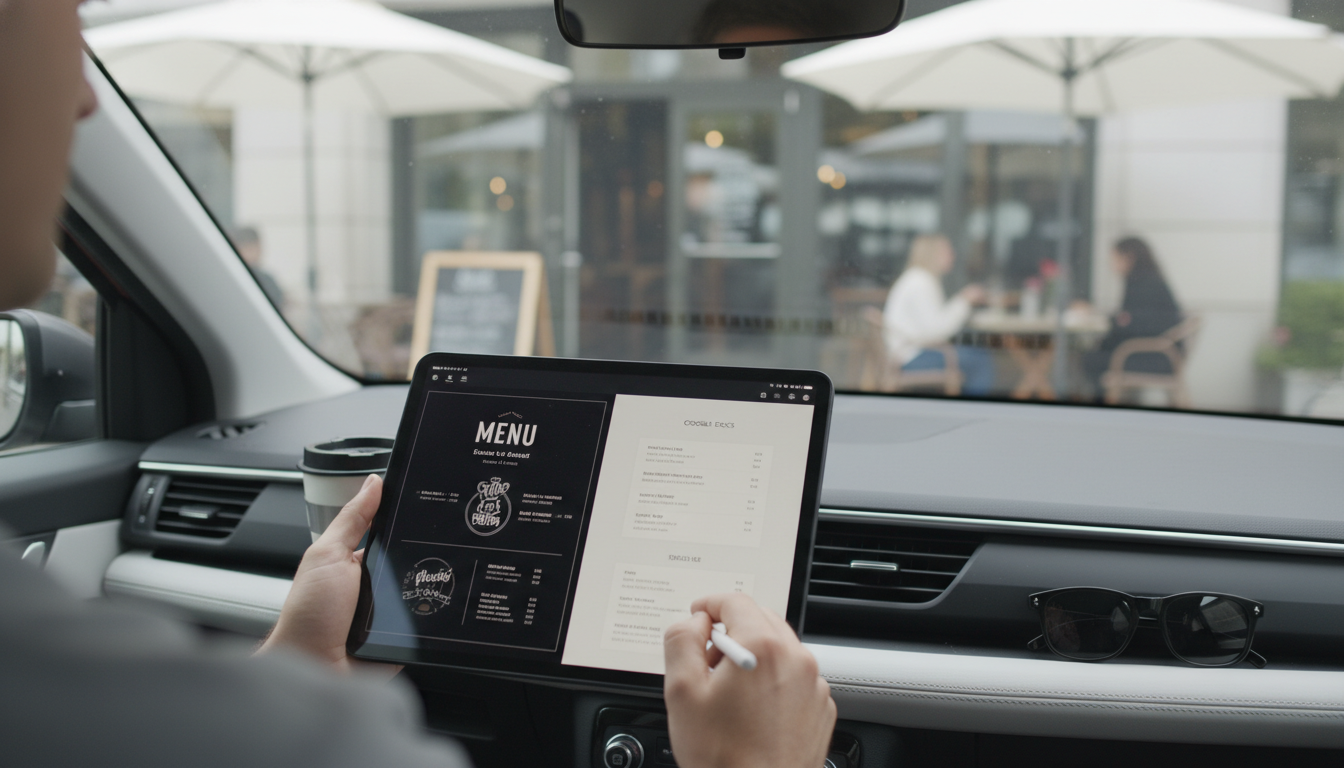
What is the best free program to create a menu?
The best free program to create a menu depends on how you plan to use it, but for most people, Canva is the top pick. It’s free to start, easy to use in a browser, and packed with menu templates you can customize quickly for dinners, parties, and holiday gatherings. It also makes it simple to export a clean PDF for printing or share a link digitally.
If a simple, printable layout is the goal, another strong option is Google Docs. It’s completely free with a Google account, works on any device, and is great for straightforward menus that match a more classic look.
Best free menu makers (and what they’re best at)
Canva (Free plan): Best for attractive designs, themed templates, and quick formatting. Ideal when presentation matters—like a holiday table menu or buffet sign. Some templates and features are Pro-only, but plenty of free options look polished.
Google Docs: Best for minimal, print-ready menus. Use tables, headings, and font styles to keep sections like appetizers, mains, and desserts easy to scan. Great if multiple people need to edit.
Microsoft Word (Online): Best if you’re used to Word and want a familiar editor without paying. The web version is free and works well for basic menu layouts.
LibreOffice Writer: Best for offline use. It’s free to download and works like classic Word, making it reliable when you don’t want to design in a browser.
How to choose the right free program
If you want a menu that feels “event-ready,” choose Canva and start with a template that matches your theme. If you want speed, clarity, and easy printing, choose Google Docs and keep the formatting simple with bold section headers and short item descriptions.
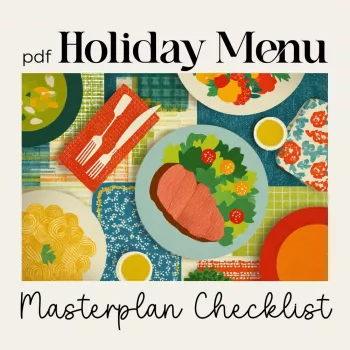
For a step-by-step way to plan what goes on the menu (not just how it looks), use this printable guide: Printable Holiday Menu Checklist & Planner.
FAQ
How do I make a menu printable at home?
Export or download your menu as a PDF, then print using “Fit to page” to avoid cut-off margins. For a cleaner look, use thicker paper (like cardstock) and choose a simple, high-contrast font.










Leave a comment