

Bluetooth MP3/MP4 Player: Speaker, FM Radio, E-Book
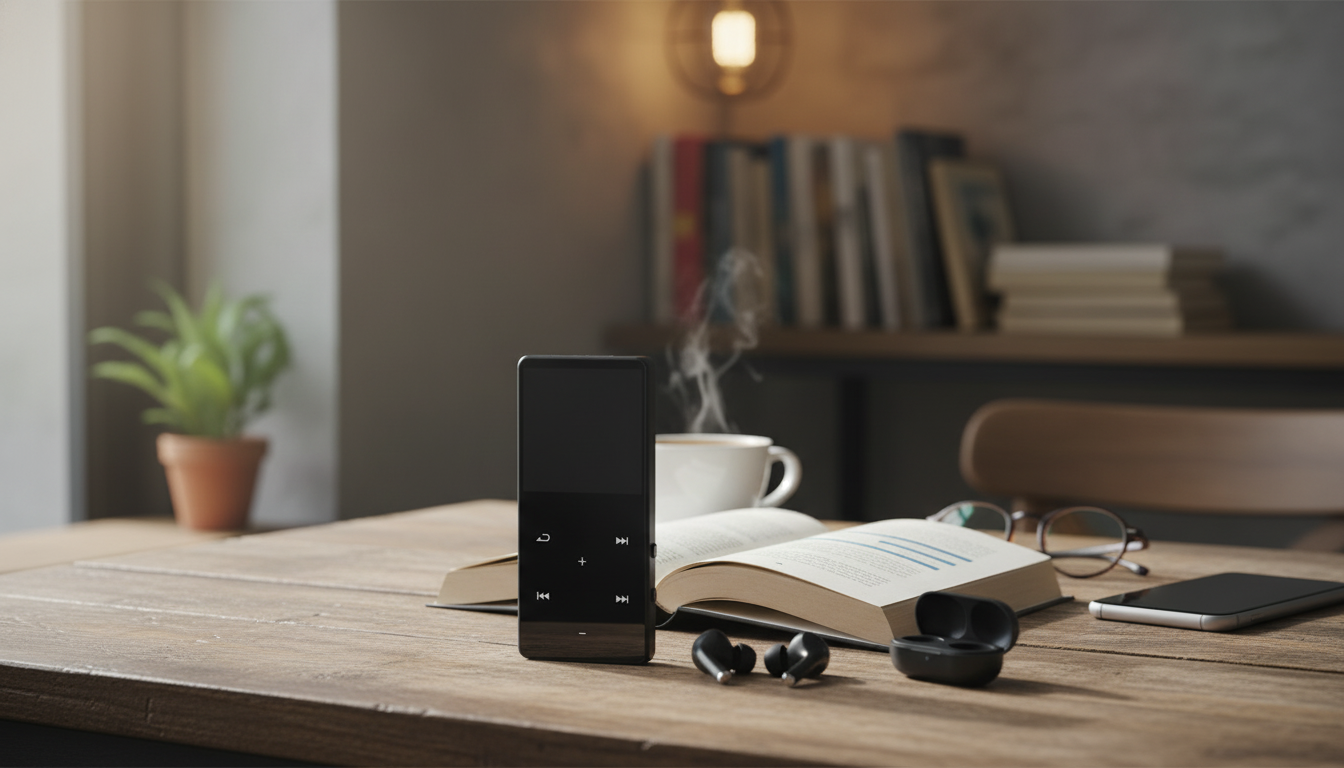
Bluetooth MP3/MP4 Music Player with Speaker, FM Radio, and E‑Book Reader
A pocket-size music player can keep listening simple: load your own files, play them through Bluetooth headphones or the built-in speaker, tune in to FM radio, and switch to reading when you want a screen break. This guide breaks down what to look for, how each feature fits daily use, and how to set it up for commuting, workouts, study time, or travel. For more guidance, see Watch 32gb Mp3 player with Ebook Reader review! on Amazon Live.
What this kind of player is designed to do
A dedicated MP3/MP4 player is built for offline entertainment without the interruptions that come with a smartphone. Instead of relying on streaming apps or a cellular plan, it plays audio and video files stored on the device, keeping playback consistent even when you’re underground, on a plane, or in areas with spotty reception.
- Plays stored audio and video files without relying on a phone plan or social apps
- Connects to Bluetooth audio devices for private listening and supports quick room playback via the built-in speaker
- Offers FM radio for live listening when saved music isn’t enough
- Includes an e-book reader mode for lightweight, distraction-limited reading
- Works well as a dedicated device for kids, school, gym sessions, and travel days
Feature checklist (what matters day to day)
Specs can look similar across players, but daily experience depends on how you’ll actually use it—walking across campus, running errands, or sitting in a hotel room at night.
- Bluetooth use cases: earbuds on the go, a Bluetooth speaker at home, or a car audio receiver
- Built-in speaker expectations: great for podcasts, casual listening, or sharing a song; not a replacement for a full-size speaker
- FM radio needs: local news, sports, emergency updates, and music discovery without files
- E-book reader limitations: best for plain-text reading sessions, not a full tablet experience
- Controls and screen: physical buttons help when walking or exercising; a clear screen helps with libraries and menus
Quick decision table
| Feature | Best for | What to verify before buying |
|---|---|---|
| Bluetooth audio | Wireless listening with earbuds or speakers | Pairing steps are straightforward; supports stable connection at typical room distance |
| Built-in speaker | Podcasts, audiobooks, quick playback without headphones | Speaker volume is suitable for a small room; sound stays clear at moderate volume |
| FM radio | Local stations and live programming | How station scanning works; whether headphones are required as an antenna |
| E-book reader | Simple reading on breaks or travel | Supported file types (often TXT); font sizing and page navigation options |
| File loading | Managing a personal library | USB transfer method and folder support; whether a memory card is supported |
| Battery and charging | Commuting and travel reliability | Charging port type and typical playback time range listed by the seller |
Bluetooth + speaker: how listening works in real life
Bluetooth is the feature that makes a “simple” MP3 player feel modern. The smoothest experience usually comes from pairing your earbuds once and then letting the player reconnect automatically when both devices are powered on (exact behavior varies by model and headphones).
- Wireless headphones: pair once, then reconnect automatically when both are on (behavior varies by device)
- Built-in speaker: convenient for quick playback, language learning, or bedtime stories without extra gear
- Switching outputs: some players route audio automatically; others require a menu change—worth checking during setup
- Common pairing fixes: forget/re-pair, keep devices close during pairing, and avoid pairing while connected to another device
- Volume best practice: set player volume to a comfortable mid-level, then fine-tune on the headphones/speaker to reduce distortion
For a deeper technical overview of Bluetooth standards and compatibility, the official specification resources are maintained by the Bluetooth SIG: Bluetooth Core Specification (overview and resources).
FM radio: scanning stations and improving reception
FM radio is still one of the easiest ways to get live programming without managing files—especially useful during travel, power outages, or when you just want something different without building a playlist.
- Auto-scan typically finds stations quickly; manual tuning helps lock a weak station
- Reception varies by location: windows and outdoor areas usually improve signal strength
- Headphone cable sometimes acts as an antenna on portable devices; if FM seems weak, try wired headphones if supported
- Use cases: news alerts, local talk, sports, and music variety without managing files
For practical reception tips, the FCC’s consumer guide is a helpful reference: FCC Consumer Guide: AM/FM Radio Reception.
E-book reader mode: what it’s good for (and what it isn’t)
E-book mode is best viewed as a “bonus feature” for simple reading—like short stories, class notes, or a plain-text book—when you’d rather not pull out a phone.
Loading music and videos: a clean library in minutes
Who this device fits best
Common setup and troubleshooting
Product options available now
-
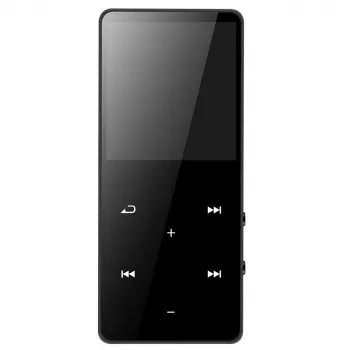
Bluetooth MP3 MP4 Music Player with Built-in Speaker, FM Radio, and E-Book Reader
— Best for simple daily carry, a backup entertainment device, or a phone-free music setup.
-
Elegant Cork Stopper Glass Storage Jar – Transparent Food & Tea Container
— Handy for keeping small essentials visible and in one place.
FAQ
Why are people buying MP3 players again?
Many people want offline playback, fewer distractions than a smartphone, and more control over a personal music library. A dedicated player can also feel safer and simpler for workouts, school, or travel.
Are Bluetooth MP3 players a thing?
Yes. Many portable players support Bluetooth, letting them pair with wireless earbuds, headphones, speakers, or car receivers while keeping music stored locally on the device.
Can an MP3 player connect to WiFi?
Some models can, but many simple MP3/MP4 players are offline-only. If WiFi or streaming is important, confirm that capability in the specifications before purchasing.













Leave a comment