

RF Signal Detector Guide: Find Hidden Cameras & Trackers
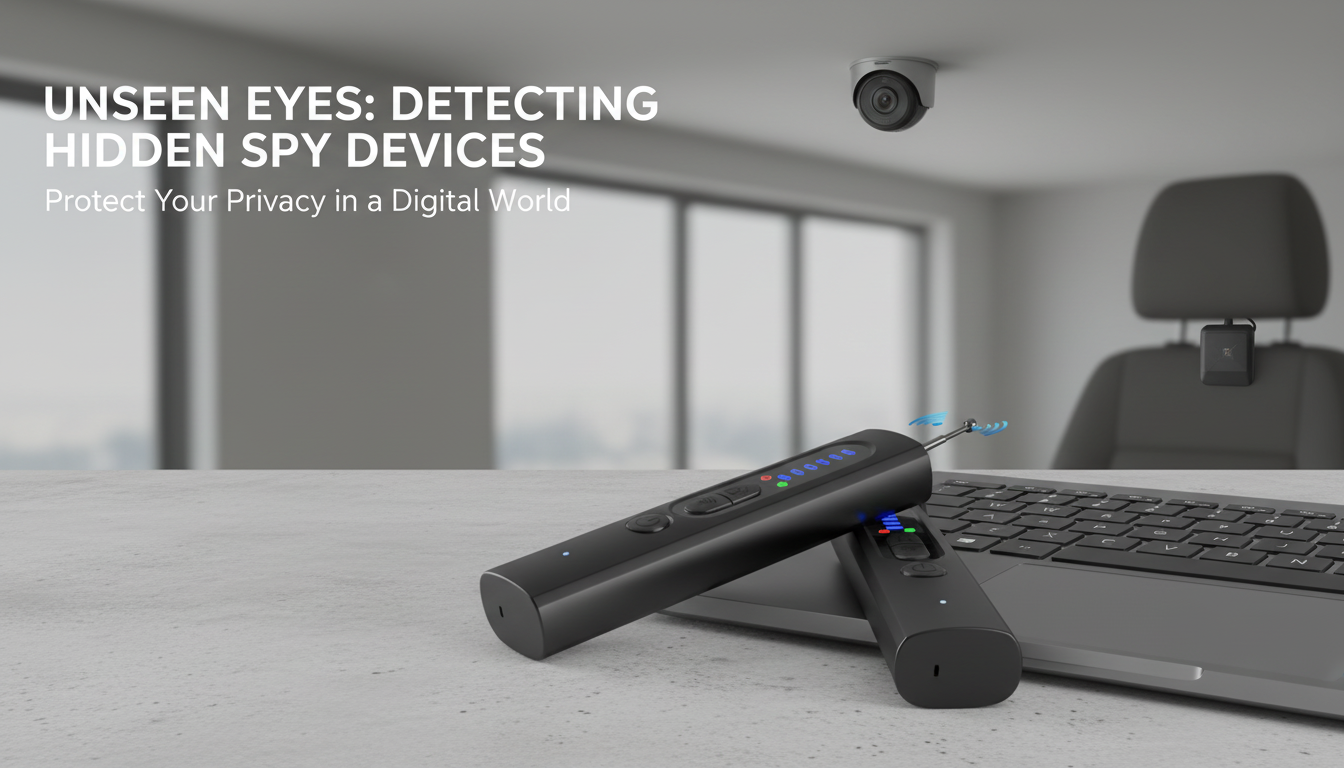
Wireless RF Signal Detector for Hidden Cameras and GPS Trackers
A wireless RF signal detector helps spot unexpected radio transmissions that may come from hidden cameras, GPS trackers, or other covert devices. The goal isn’t to “magically” identify every threat—it’s to locate unusual, localized radio activity so you can focus your inspection where it matters. Used with a careful visual sweep, an RF detector can turn a stressful, uncertain situation into a clear, repeatable process you can run in a room, office, or vehicle. For more guidance, see NIRF: Detecting Cameras That Hide Behind Screen.
What an RF Signal Detector Does
An RF (radio-frequency) signal detector listens for nearby wireless activity and alerts when it senses a signal above background levels. This can point to devices that transmit wirelessly, including some hidden cameras, certain audio bugs, and many GPS trackers that upload location via cellular networks. For further reading, see Safety and Security Products for Airbnb and Hotel Stays.
- Detects nearby radio-frequency activity that may indicate a transmitting device (for example: wireless cameras, certain audio bugs, some GPS trackers, and other RF emitters).
- Helps narrow down where a signal is strongest so a search can focus on a specific area, object, or panel.
- Works best when the target device is actively transmitting; dormant devices may not be detected until they send data.
- Complements (not replaces) physical inspection: unusual chargers, wall adapters, smoke detectors, vents, décor items, and vehicle undercarriages should still be checked.
What you may find during a scan (and what can affect results)
| Potential source | Typical behavior | What can confuse detection | Practical tip |
|---|---|---|---|
| Wi‑Fi/Bluetooth devices (phones, routers, smart gadgets) | Frequent bursts and steady background activity | Crowded environments, multiple devices transmitting at once | Temporarily switch personal devices to airplane mode and power down nearby routers if possible |
| Wireless cameras or transmitters | Can be steady or bursty, sometimes stronger near the camera body | Legitimate smart cameras, baby monitors, wireless doorbells | Look for the strongest signal point and visually inspect that specific object/area |
| GPS trackers with cellular uplink | May transmit intermittently (check-in intervals) | Short transmissions can be easy to miss | Scan for several minutes; repeat at different times to catch periodic pings |
| Non-RF hidden cameras (wired storage/no wireless) | No RF signal to detect | False sense of security if relying only on RF scanning | Combine RF scanning with lens-spotting and a careful physical sweep |
When This Tool Is Most Useful
- Hotel rooms and short-term rentals: Quick sweep of high-risk areas like bedside tables, charging stations, TV stands, vents, and smoke detectors.
- Offices and meeting rooms: Verify privacy before sensitive discussions; scan near power strips, conference equipment, and decorative items.
- Vehicles: Check for trackers in the cabin, trunk, and near exterior panels where small devices may be hidden.
- Personal belongings: Bags, gifts, or secondhand items that could contain an unexpected transmitter.
RF environments vary widely. Wireless networks, neighbors’ devices, and building infrastructure can raise the “background” level, which is why a repeatable scan routine matters more than any single beep or bar.
How to Scan a Room Step by Step
- Start by reducing noise: Turn off or move away from known transmitters (phones, smartwatches, hotspots, Bluetooth accessories) when feasible. Even in airplane mode, some devices may still emit limited signals, so distance helps.
- Scan in a grid pattern: Move slowly along walls and across furniture at a consistent distance. Pause near outlets, power strips, TVs, set-top boxes, alarm clocks, and chargers—these are common “cover” locations.
- Follow the signal: If the alert increases, slow down further and “shrink the search” to a smaller area. The most useful outcome is a clear strongest point rather than a general, room-wide reading.
- Inspect physically: Once a hotspot is found, check for unusual holes, reflective lens-like dots, warm components, added wiring, unfamiliar adapters, or objects that feel out of place (especially items pointed at beds or bathrooms).
- Confirm by re-testing: Move the suspected item away from the area or briefly shield it; a clear change in readings helps validate the source. If nothing changes, the signal may be coming from something nearby (or even outside the room).
For a helpful baseline on how wireless interference can affect devices and readings, review the FCC consumer guidance and the NIST overview of electromagnetic compatibility.
How to Scan a Car for a GPS Tracker
Interpreting Alerts and Avoiding False Alarms
Care, Everyday Use, and Expectations
Recommended Items (In Stock)
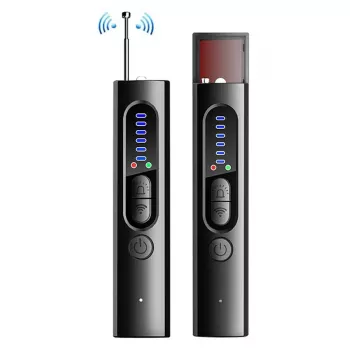
- Wireless RF Signal Detector – Anti Spy Camera & GPS Tracker Finder ($23.67) — a practical tool for locating localized RF hotspots so you can focus your physical inspection.
- Women’s Abstract Print Loose Hoodie ($65.01) — a comfortable travel layer if you’re doing inspections in cool garages, parking structures, or drafty rentals.
FAQ
Can an RF detector find all hidden cameras?
No. It can help detect cameras that transmit wirelessly, but it won’t detect wired cameras or cameras that record locally without sending a radio signal. For more reliable results, combine RF scanning with a careful visual and physical inspection of likely hiding spots.
Why does the detector alert everywhere in a hotel or apartment?
Hotels and apartments are saturated with Wi‑Fi routers, Bluetooth devices, smart TVs, and neighbors’ signals, which can create constant background activity. Reduce interference by turning off personal devices when possible and scanning closer to specific objects to find a localized peak rather than room-wide noise.
Will it detect a GPS tracker on a car if the tracker is not transmitting?
Not always. Many trackers transmit intermittently, so a brief “silent” window can look like nothing is there. Scan for longer periods, repeat at different times, and back up RF checks with physical inspection of common mounting locations (under seats, in the trunk, wheel wells, and under bumpers).













Leave a comment