

AI Screening for YouTube: Pre-Check Videos for Kids
How do I use AI to screen YouTube videos for my child before they watch them?
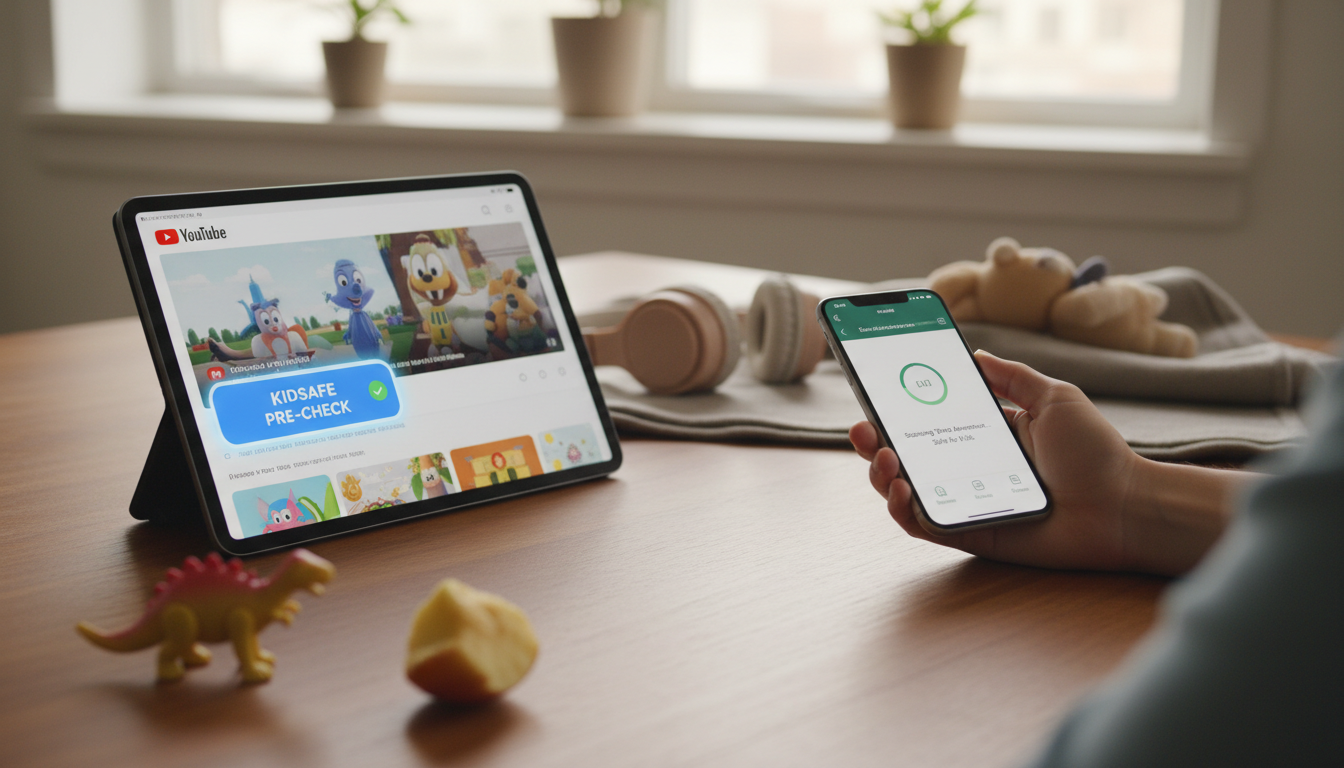
AI can help you “pre-watch” YouTube videos faster by scanning titles, thumbnails, transcripts, and on-screen content for red flags—before your child ever presses play. The most reliable approach is a layered routine: tighten YouTube’s built-in restrictions, then use AI tools to summarize and flag risky moments, and finally confirm with a quick parent spot-check.
1) Start with YouTube’s built-in guardrails
Turn on Restricted Mode, use YouTube Kids when possible, and create a supervised account through Google Family Link. These steps reduce the volume of mature content upfront so AI screening isn’t doing all the heavy lifting.
2) Use AI to preview the video’s “shape” in minutes
Before approving a video, run an AI check on what’s easiest to evaluate quickly:
- Title + thumbnail: Watch for sexualized imagery, shock tactics, dares, weapons, or “storytime” themes that tend to hide mature topics.
- Comments + description: Skim for recurring warnings (e.g., “not for kids”), bullying language, or links to off-platform content.
- Transcript scan: If captions are available, copy the transcript into an AI summarizer and ask for: main topics, age-appropriateness, profanity/slurs, sexual content, substance use, and whether “pranks” or unsafe challenges are mentioned.
3) Ask AI to flag specific timestamps
Instead of reading a full transcript, have AI identify where potentially concerning material appears (e.g., “list any moments that mention self-harm, graphic violence, sexuality, or hate speech”). Then jump to those timestamps for a 30–60 second spot-check.
4) Build a simple approve/deny checklist
Use consistent rules so decisions are quick: channel reputation, tone (calm vs. edgy), recurring themes, and whether the video encourages risky imitation. For a practical checklist and tool ideas, see this AI parental controls guide.
FAQ
What should I do if my child keeps getting recommended questionable videos?
Clear or pause watch history, remove problematic videos from “Liked,” and actively use “Not interested” and “Don’t recommend channel.” Rebuilding recommendations works best when paired with subscriptions to trusted channels and stricter supervised settings.














Leave a comment