

Connect a Smart Projector to Home Theater Audio & Video
How to connect a smart projector to a home theater?
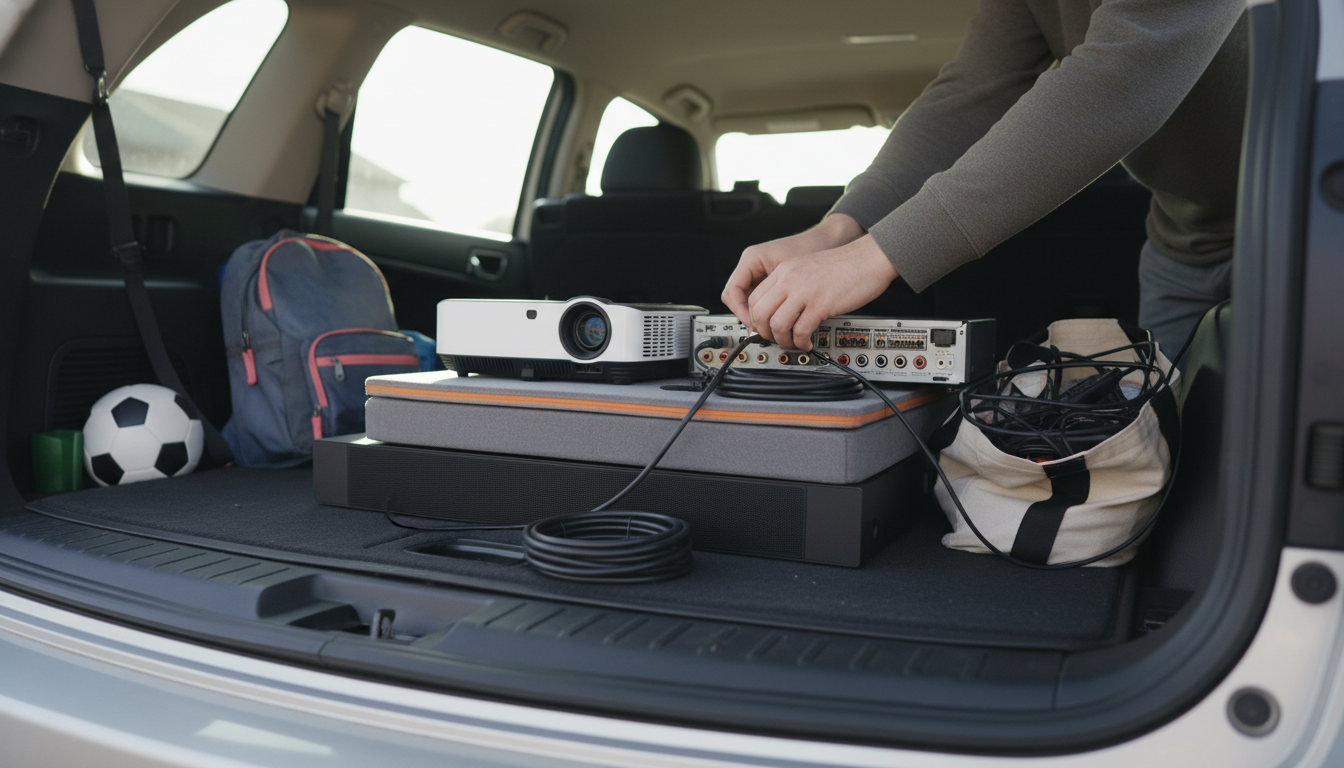
Connecting a smart projector to a home theater comes down to two things: getting the best audio path to your speakers and choosing the right video connection to your screen. Most smart projectors can output video directly while handing audio off to an AV receiver, soundbar, or powered speakers.
1) Choose your audio setup first (home theater speakers)
If you have an AV receiver, aim to route sound through it for true surround. The most common options are HDMI ARC/eARC (if your projector supports it), an optical (TOSLINK) connection, or Bluetooth as a last resort. ARC/eARC is typically the cleanest single-cable solution when available; optical is reliable for many formats; Bluetooth is convenient but can add latency.
2) Connect your video source
If your “smart projector” already has built-in streaming apps, you can stream directly on the projector and only worry about audio out. If you use an external source (Apple TV, Roku, Fire TV, Blu-ray player, game console), run an HDMI cable from the device to the projector, or connect the device to the AV receiver and send a single HDMI output from the receiver to the projector.
3) Set the correct inputs and audio output
On the projector, select the HDMI input you’re using (or the internal “TV/Apps” mode). Then open the projector’s audio settings and select the appropriate output: HDMI ARC/eARC, Optical/SPDIF, or Bluetooth. On the receiver or soundbar, choose the matching input and confirm speaker mode (Stereo, Dolby, etc.).
4) Optimize placement and picture quickly
After everything plays correctly, refine the image: align the projector square to the screen, use autofocus/keystone features if included, and verify resolution/HDR settings on your source device. For more setup tips (including smart Wi‑Fi projectors and 4K support considerations), visit this smart projector guide.
FAQ
Why is there no sound when my projector is connected to my receiver?
Check that the projector’s audio output is set to HDMI ARC/eARC or Optical (whichever you’re using) and that the receiver is on the correct input. Also confirm the HDMI cable is ARC/eARC-capable if you’re relying on ARC, and try power-cycling both devices to re-handshake audio.













Leave a comment