

Should Rapid Trigger Be On for All Keys?
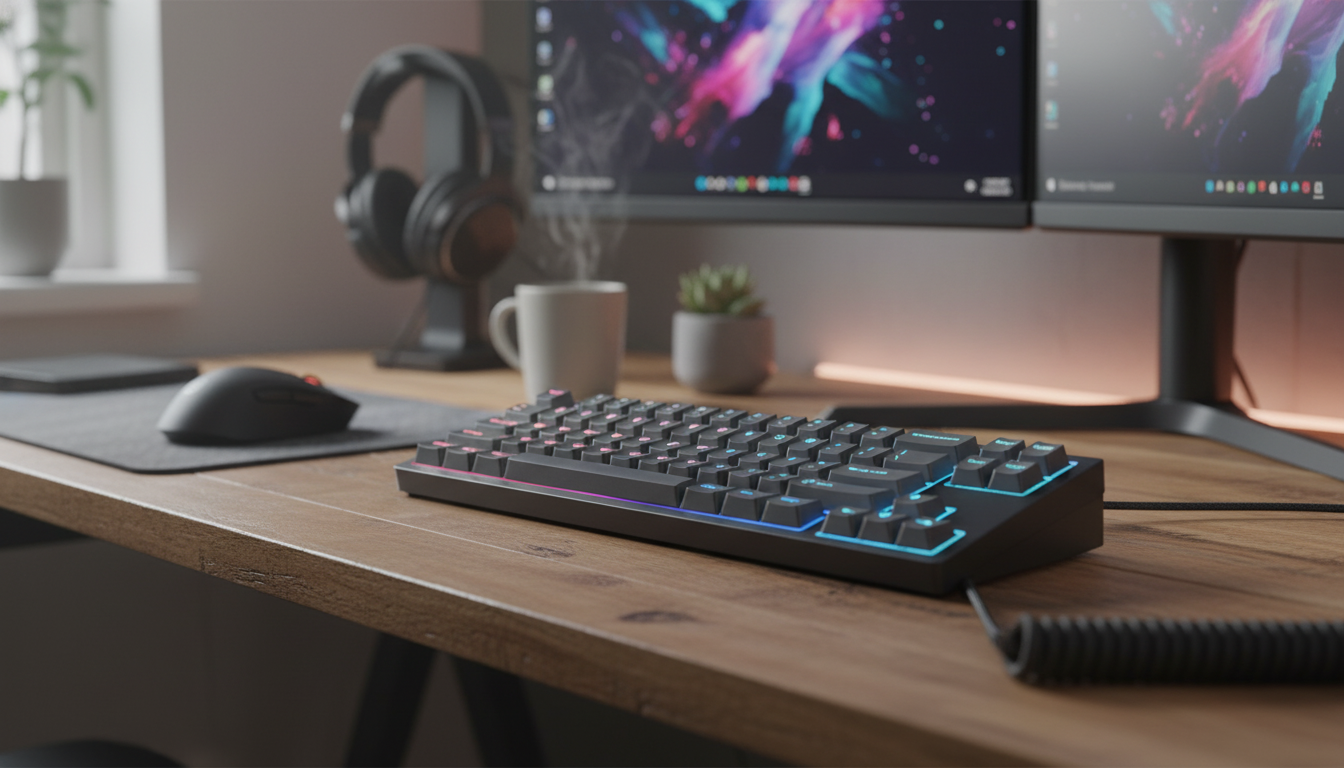
Should rapid trigger be on for all keys?
No. Rapid trigger is most useful on keys where you want a new input as soon as you release and press again, such as movement keys in a fast-paced game. Turning it on for every key can make typing, shortcuts, and less-used controls feel too sensitive. We recommend starting with the keys you press repeatedly under pressure, then expanding your setup only if it helps.
Where rapid trigger helps most
Rapid trigger changes how a compatible Hall effect keyboard resets a key. Rather than waiting for the key to return to one fixed reset point, it can reset as the key moves upward. That can make quick changes of direction and repeated inputs feel more responsive.
Start with your movement keys and any game controls you tap rapidly. Play for a while with your usual hand position and see whether you can stop and restart inputs comfortably. A setting that feels fast during a short test may be harder to control over a full session, so adjust it based on how you actually play.
When to leave keys on a standard setting
Consider leaving rapid trigger off for keys you use to type, enter passwords, or activate commands you do not want to repeat accidentally. The same goes for a key you tend to rest a finger on. If a light movement causes unwanted inputs, increase the key’s sensitivity threshold or switch rapid trigger off for that key.
Our team favors a mixed layout when your keyboard supports per-key settings: responsive movement keys, steadier keys for deliberate actions, and a comfortable typing setup. You do not need the same setting across the board for the keyboard to feel consistent in use.
How to find your best setup
Change a small group of keys at a time. Begin with moderate settings, then make them more sensitive only where you notice a benefit. If you get accidental presses, missed releases, or extra characters, dial those keys back. Save separate profiles for gaming and everyday work if your keyboard supports them; that is often easier than making one aggressive setup serve both jobs.
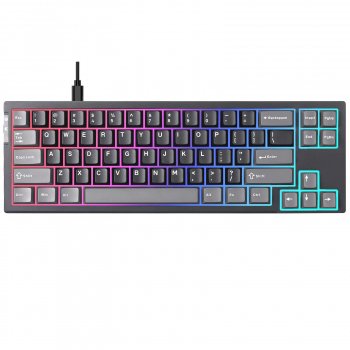
If you are choosing a compact Hall effect keyboard or learning its other controls, our 68-key Hall effect keyboard guide covers the features to consider alongside rapid trigger. The right setting is the one that lets you move quickly without making ordinary inputs harder to trust.
FAQ
Can rapid trigger make typing harder?
Yes, a very sensitive setting can produce unintended inputs if you move or rest your fingers lightly on the keys. Keep your typing keys on a steadier setting, or use a separate typing profile if your keyboard supports one.












Leave a comment