

Xbox Wireless Headset on Xbox One: Compatibility & Setup
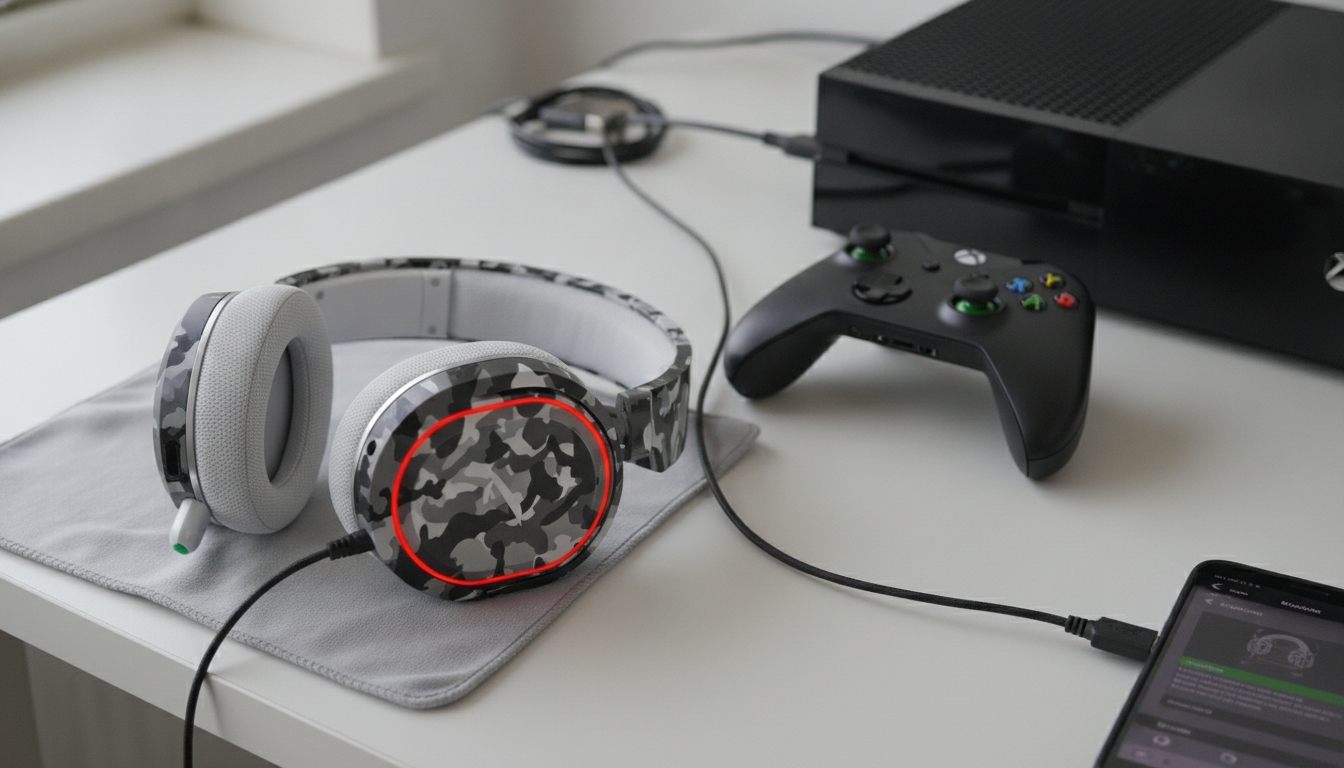
Does the Xbox Wireless Headset work on Xbox One?
Yes. The Xbox Wireless Headset is compatible with Xbox One consoles (Xbox One, Xbox One S, and Xbox One X) and connects over the same Xbox Wireless protocol used by official controllers. That means you can pair it directly to the console without a USB dongle, just like syncing a controller.
How to connect it to an Xbox One
To pair, power on the headset, then press and hold the pairing button on the headset until it enters sync mode. Next, press the Pair button on the Xbox One console. Once the lights stop flashing, the headset should be connected and ready for game audio and chat.
What to expect once it’s connected
On Xbox One, the headset supports core features like game audio, party chat, and mic monitoring controls through Xbox settings. You can fine-tune volume and chat mix using the headset’s dials, which is helpful when balancing teammates’ voices against loud in-game effects.
For the best experience, keep the console updated and check for headset firmware updates using the Xbox Accessories app (available on Xbox). Firmware updates can improve stability, microphone performance, and connectivity.
Compatibility notes and limitations
The Xbox Wireless Headset is designed primarily for Xbox and also works with Windows devices via Bluetooth or Xbox Wireless (depending on your PC setup). On Xbox One specifically, it pairs directly and doesn’t require extra hardware. However, features and tuning options may vary slightly depending on game support and system settings.
If you’re comparing wireless headsets for latency, mic clarity, and connection types (Xbox Wireless vs. Bluetooth vs. USB), see the broader breakdown here: wireless gaming headset guide.
For Xbox Wireless Headset on Xbox One: Compatibility & Setup, the best answer depends on fit, material, care instructions, and how the product will be used day to day.
FAQ
Can you use the Xbox Wireless Headset with a phone at the same time as Xbox?
Yes. It can maintain an Xbox Wireless connection to the console while also connecting to a phone over Bluetooth, letting you take calls or listen to mobile audio while gaming.











Leave a comment