

Is Your Stylus Capacitive? 5 Quick Checks
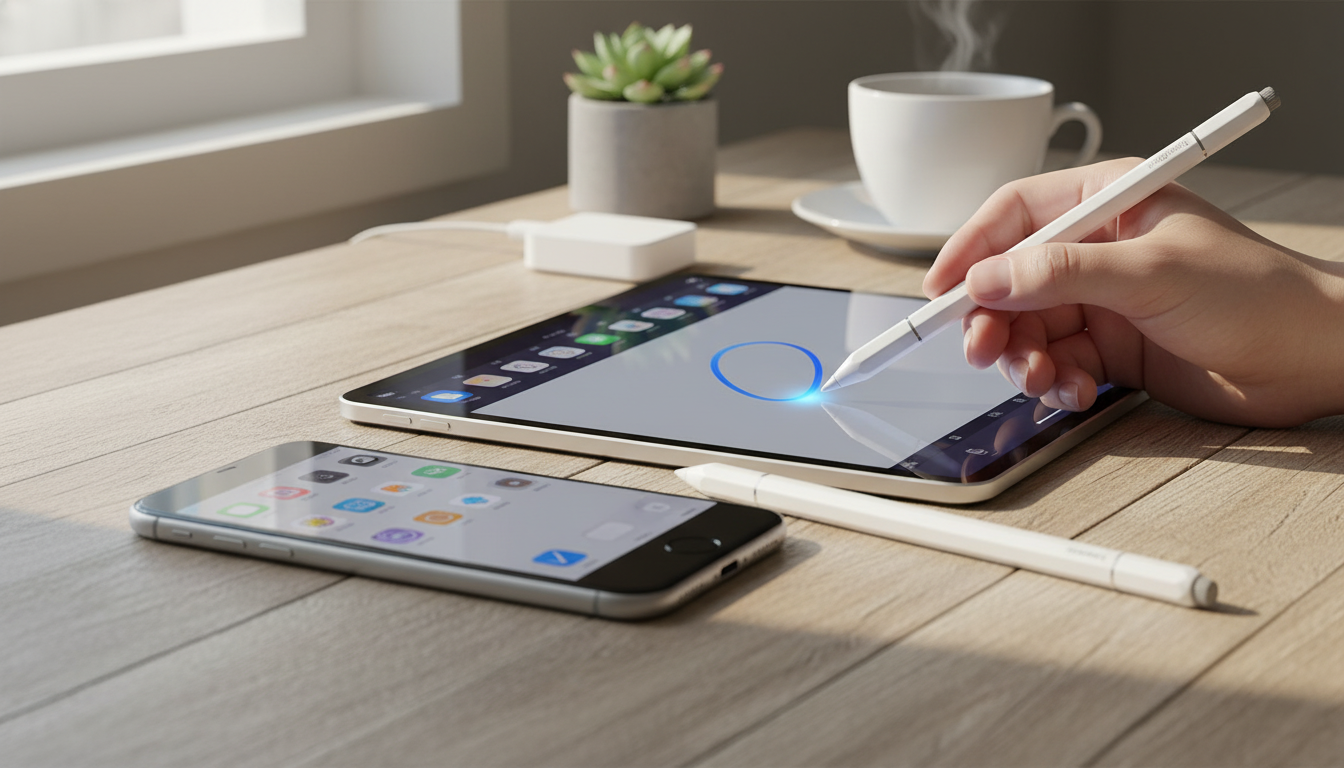
How to Tell If a Stylus Is Capacitive
A capacitive stylus is designed to work the same way your finger does on a touchscreen. If you want a quick way to confirm what you have (or what you’re about to buy), our team uses a handful of practical checks that take less than a minute and don’t require any special tools.
1) Do the “no power, no pairing” test
A true capacitive stylus will typically work without Bluetooth pairing, app setup, or charging. If it writes or taps on your phone/tablet immediately—especially for basic taps, scrolling, and typing—it’s very likely capacitive. If it requires charging and a power button to function at all, it may be an active stylus instead.
2) Check the tip material and shape
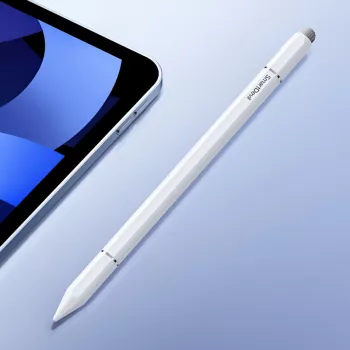
Most capacitive tips are soft rubber, silicone, or a conductive foam-like material, often shaped like a rounded dome. Some are clear disc tips that still rely on capacitive contact. If the tip is a hard plastic point meant to mimic a pen nib, that often signals an active (digitizer-based) stylus rather than a simple capacitive one.
3) Look for “universal touchscreen” language on the packaging
Capacitive styluses are commonly labeled as “universal,” “works with all capacitive touchscreens,” or “for iPhone/iPad/Android.” If the packaging highlights model-specific compatibility (for example, certain iPad generations only) or mentions features like palm rejection or tilt sensitivity, you’re likely looking at an active stylus, not a basic capacitive one.
4) Try it with a screen protector and bare glass
Capacitive styluses usually behave similarly on bare glass and on most screen protectors, but they can feel less precise on thicker protectors. If the stylus becomes unreliable unless the screen is perfectly clean or you press hard, it may be a low-quality capacitive tip or a worn tip that needs replacing.
5) Distinguish capacitive from magnetic/active options
Some styluses add magnets for easy storage on tablets while still being intended for touch control. If you’re comparing options for Apple devices, our guide to magnetic stylus choices can help you sort features and daily-use convenience: https://hovira.com/guide-magnetic-stylus-for-ipad-and-iphone-clean-easy-control/.
FAQ
Will a capacitive stylus work with a screen protector?
Yes, most will work through common screen protectors, though thicker or textured protectors can reduce accuracy. If you notice skipping, clean the screen and tip, then try lighter, steadier strokes.











Leave a comment