

Use AI to Design a Room Layout That Actually Works
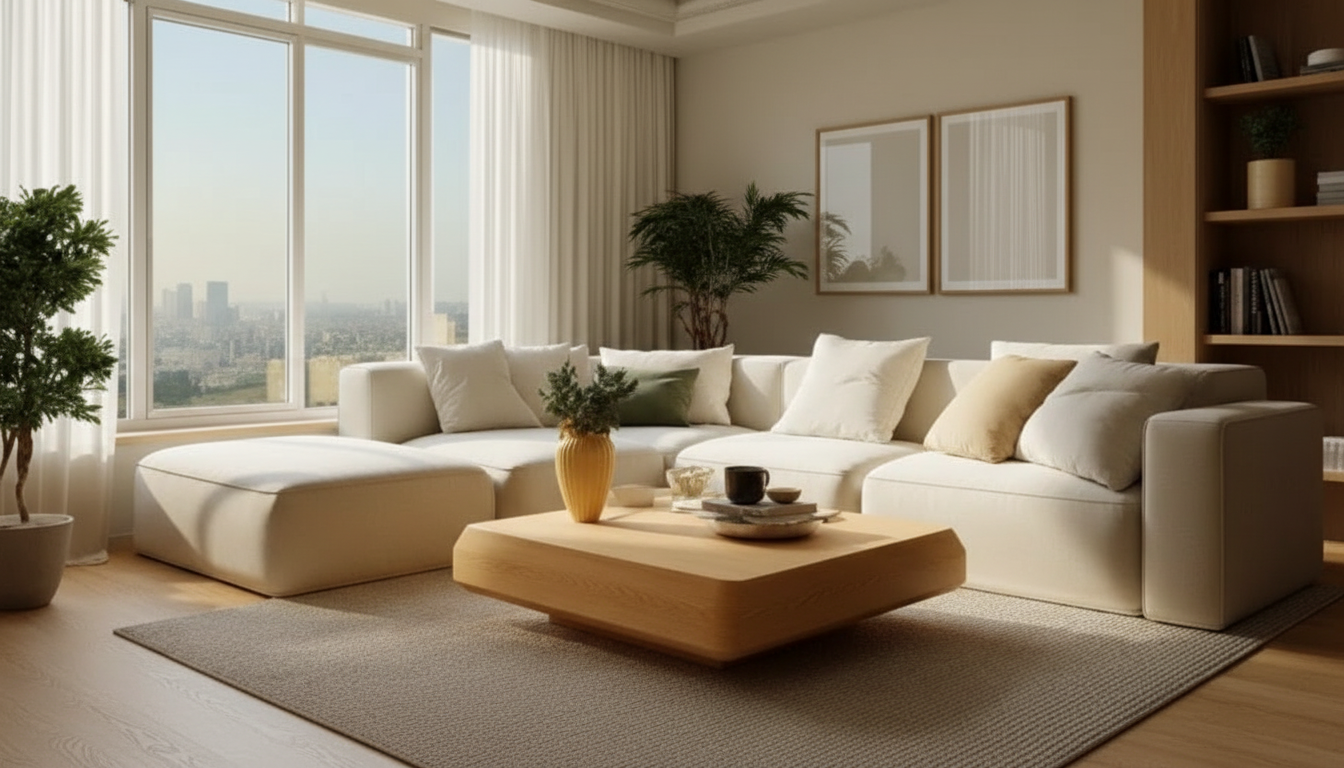
How to use AI to create a room layout?
Using AI for a room layout works best when you treat it like a fast design partner: you provide accurate inputs, it generates multiple options, and you refine the best one. Start by collecting your room’s dimensions (length, width, ceiling height) plus fixed elements like doors, windows, vents, radiators, and outlets. The more precise the measurements, the more realistic the layout suggestions will be.
Next, define the purpose of the space and the non-negotiables. For example: seating for six, a desk zone near daylight, a clear walkway from the entry, or a media wall that avoids glare. Add the furniture you already own (with measurements) and list anything you plan to buy with target sizes. AI tools can only place what you describe, so “sofa” is less useful than “84-inch sofa with chaise on the left.”
Once you generate layouts, evaluate them with a few quick checks: keep main pathways open (typically 30–36 inches), avoid blocking door swings, and confirm that drawers and cabinet doors can open fully. If a result looks good but slightly off, iterate with small changes—swap a chair for a slimmer profile, rotate a rug, or shift a console a few inches. AI shines when you run several variations and compare tradeoffs rather than hunting for a single perfect output on the first try.
Finally, sanity-check scale and comfort. Make sure the seating arrangement supports conversation, the TV viewing distance makes sense for the screen size, and task areas have enough clearance. If you want a step-by-step workflow for measuring, generating options, and refining layouts that feel livable, see this detailed guide: AI room layouts that work: measure, generate, refine.
FAQ
What measurements do I need before generating an AI room layout?
You’ll want the room’s length and width, ceiling height, and the exact locations and sizes of doors, windows, and other fixed elements. If you’re placing existing furniture, measure each piece as well so the AI can keep proportions realistic.














Leave a comment