

Smart Projector Worth It? When to Buy (and Skip)
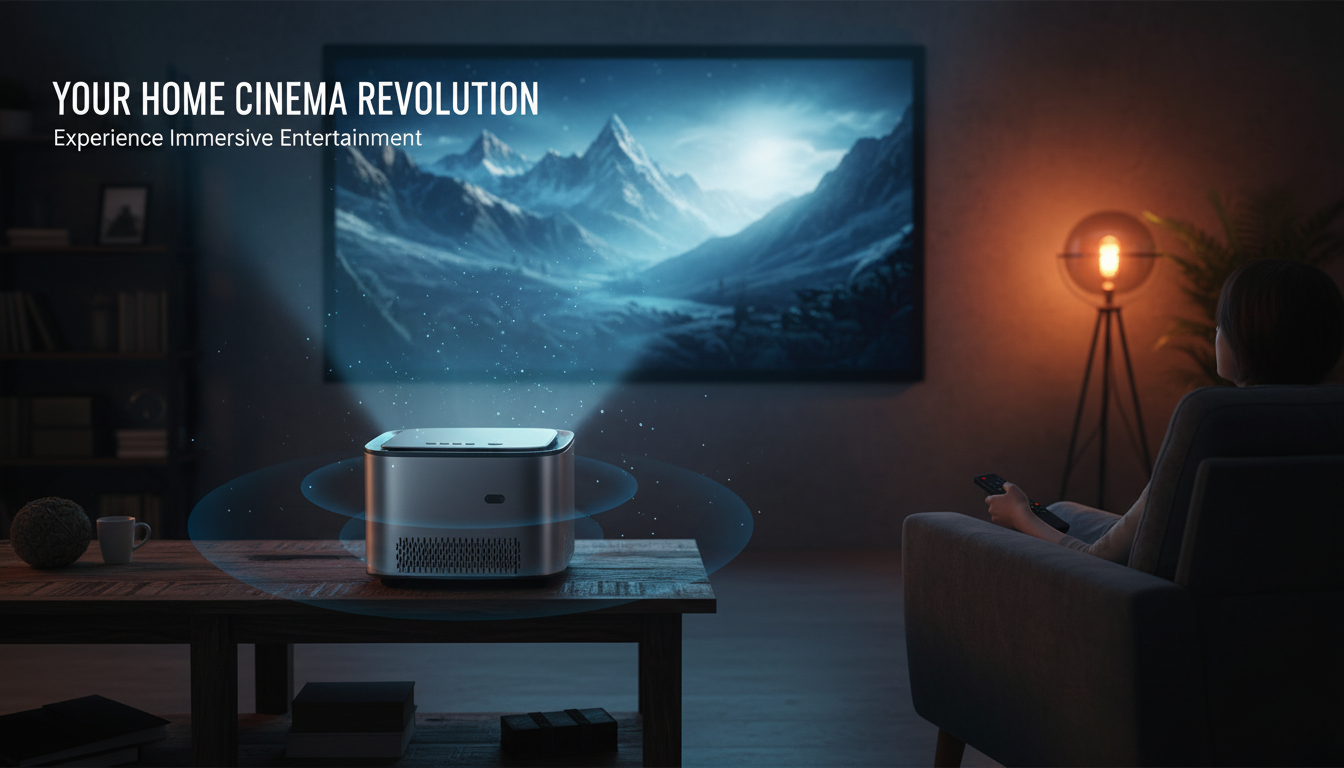
Is a smart projector worth it?
A smart projector can be worth it if convenience matters and the projector will be used often—especially for streaming movies, casual gaming, or quick presentations. The “smart” part usually means built-in Wi‑Fi, onboard apps or app casting, and simpler control without needing a separate streaming stick or laptop every time.
That said, value depends on how well the projector handles the basics: brightness, focus, resolution, and input lag. If the image is dim, the focus is fussy, or the operating system is sluggish, the smart features won’t feel like a win.
When a smart projector is a good buy
You want fewer boxes and cables
For many setups, a smart projector replaces at least one extra device. With Wi‑Fi streaming/casting and built-in audio options, it can be an easy living-room-to-bedroom-to-backyard mover. This is especially helpful if you don’t want to manage HDMI dongles, remotes, and power adapters.
You’ll benefit from setup helpers
Many smart models pair their connected features with quality-of-life tools like auto focus and auto keystone correction. If the projector is frequently moved or used in different rooms, these features can save time and reduce frustration compared to manual adjustments.
When it may not be worth it
You already have a great streaming device
If you own a fast streaming stick/box and you’re happy with it, paying extra for “smart” may add little. Some built-in projector systems also receive fewer updates, which can lead to slower apps over time.
You care most about image performance per dollar
At the same price, a non-smart projector sometimes offers better brightness, contrast, or optics. If picture quality is the priority, consider spending the budget on core performance first, then add an external streamer if needed.
What to check before buying
Look for a solid native resolution (many buyers aim for true 1080p), reliable autofocus/keystone if advertised, usable brightness for your room lighting, and the ports you’ll actually use (HDMI, USB, audio out). For a deeper walkthrough of features like 1080p, Wi‑Fi streaming, auto focus, and 4K support claims, see the main guide: https://hovira.com/guide-1080p-smart-wifi-projector-auto-focus-4k-support-tips/.
FAQ
What should I look for in a 1080p smart projector?
Prioritize true native 1080p, enough brightness for your viewing environment, and dependable focus/keystone correction. Also verify the streaming/casting method you’ll use most and confirm it runs smoothly.













Leave a comment