

Free Songs for MP3 Players: Safe, Legal Download Sources
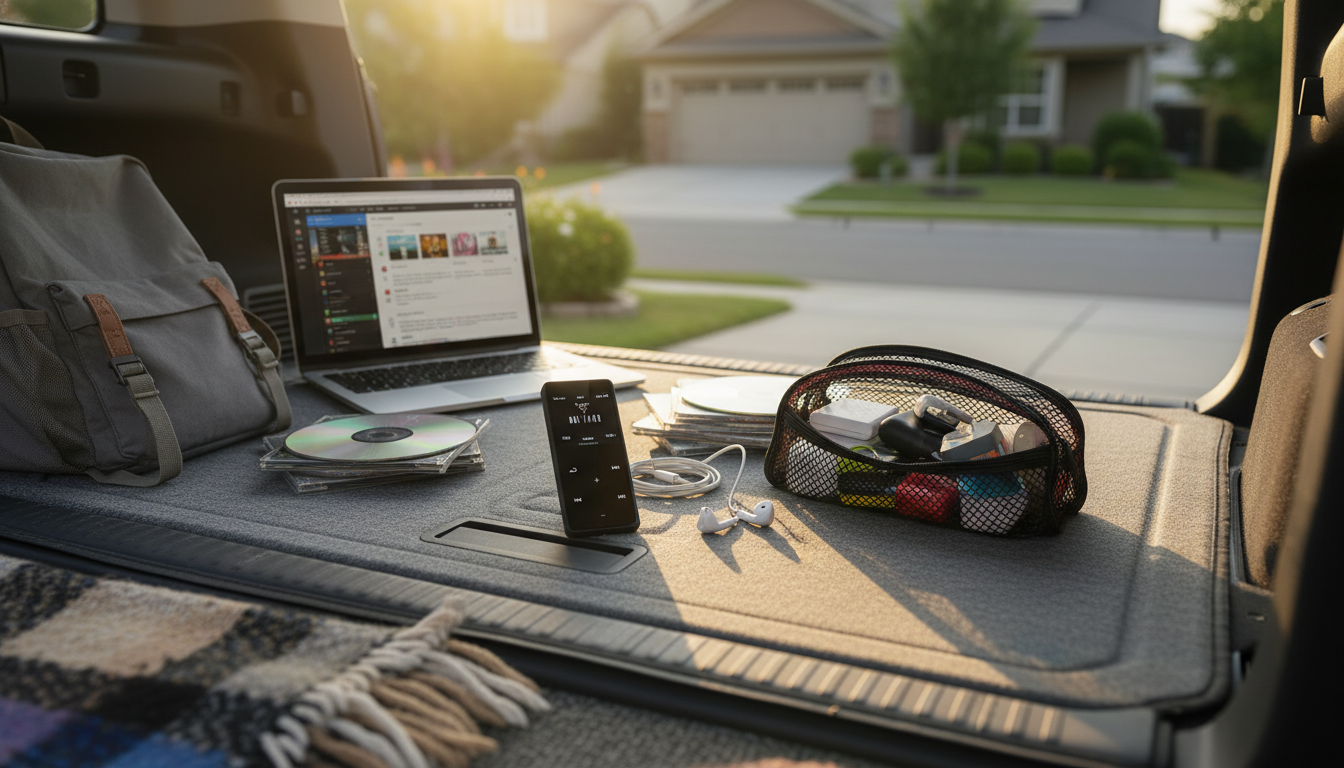
Where can I download songs for an MP3 player for free?
Free songs for an MP3 player are easiest to get from legitimate sources that either offer public-domain music, Creative Commons-licensed tracks, or music that artists have chosen to share at no cost. Start with public-domain libraries (often classical recordings and older works) and Creative Commons music communities (commonly used by creators, streamers, and indie fans). These options are reliable because they’re designed for downloading and offline use, which is exactly what most MP3 players need.
Many artists also share free downloads on their official websites or on platforms that let musicians offer “name your price” releases. In those cases, you can often enter $0 and download the MP3 files directly. Local libraries are another underrated option: some library systems provide access to digital music services that allow downloads or offline listening through approved apps.
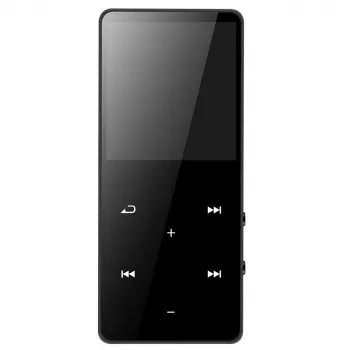
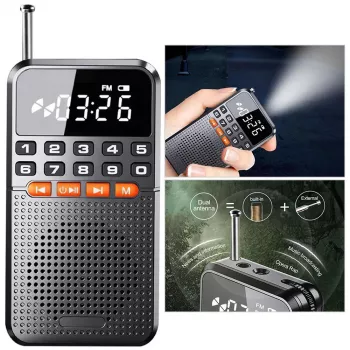
Before downloading, confirm your MP3 player’s supported formats (typically MP3, sometimes WAV) and whether it connects by USB for simple drag-and-drop transfers. If you’re using a Bluetooth MP3/MP4 device with extras like a speaker and FM radio, you may still transfer music the same way—by loading files onto internal storage or a microSD card, then scanning or refreshing the music library on the device.
For practical tips on getting music onto your device (including common playback features and storage options), see the full guide here: https://hovira.com/guide-bluetooth-mp3-mp4-player-speaker-fm-radio-e-book-reader/.
Avoid “free download” sites that don’t clearly explain licensing or that host mainstream songs without permission. Those downloads can be illegal, packed with misleading ads, or include files that aren’t safe to open.
FAQ
How do I transfer downloaded music to an MP3 player?
Connect the player to a computer via USB (or insert its microSD card into a card reader), then drag and drop the MP3 files into the Music folder. Safely eject the device, and refresh the music library if your player has a “scan” or “update” option.











Leave a comment