

iPhone 11 Not Charging Wirelessly? Fixes That Work
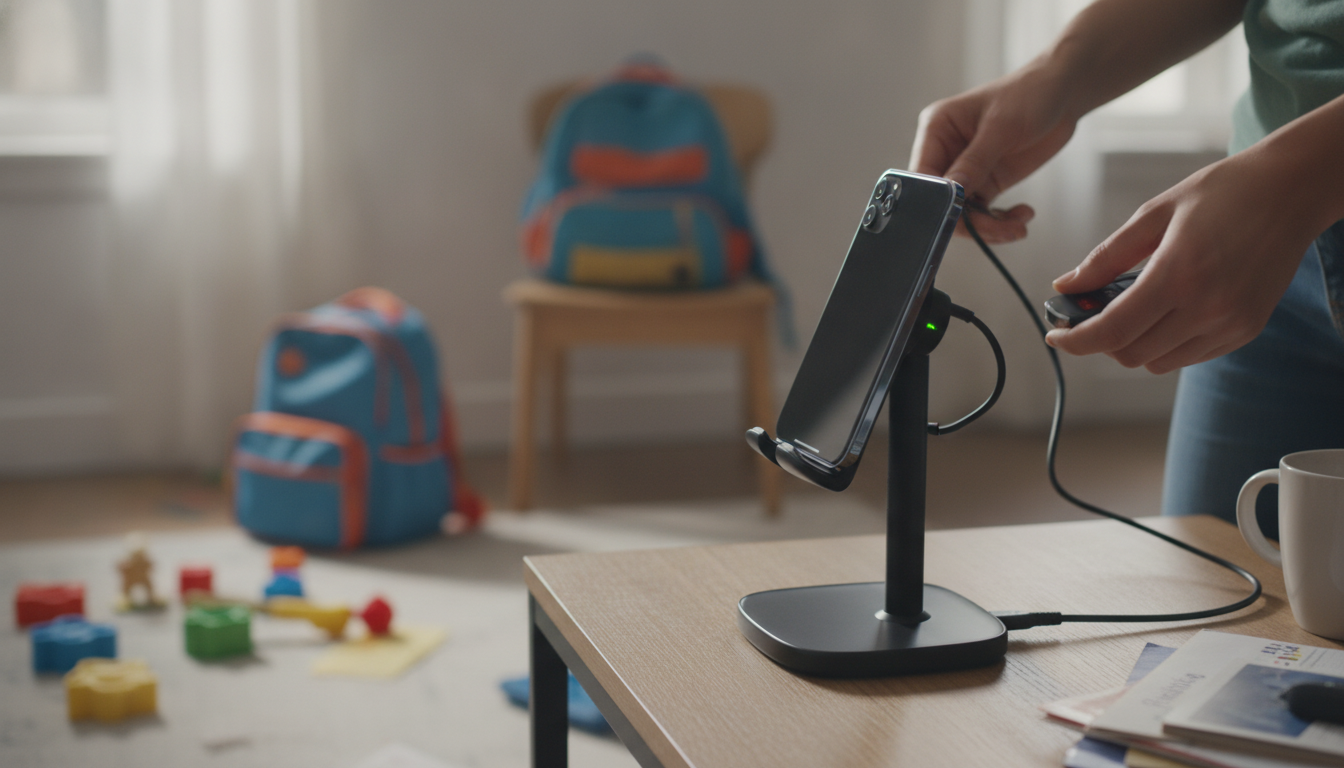
Why won’t my iPhone 11 charge on a wireless charger?
Answer
If your iPhone 11 won’t charge on a wireless charger, the problem is usually alignment, power delivery, or something blocking the charging coil. iPhone 11 supports Qi wireless charging, but it’s picky about placement and the quality of the charger and adapter feeding it.
1) Check alignment and the charger’s “sweet spot”
Wireless charging works best when the center of the iPhone is lined up with the center of the charging pad or stand. If the phone is slightly too high, too low, or at an angle, it may show the charging icon briefly and then stop. Try repositioning the phone slowly until it consistently locks onto charging.
2) Make sure the power adapter is strong enough
Many wireless chargers need a higher-output wall adapter to work reliably. If the charger is plugged into a low-power USB port (like a laptop or an older 5W adapter), it may not provide enough power to start or maintain charging. Use a reputable wall adapter that matches the wireless charger’s requirements, and ensure the cable and adapter fit snugly.
3) Remove case accessories and check for interference
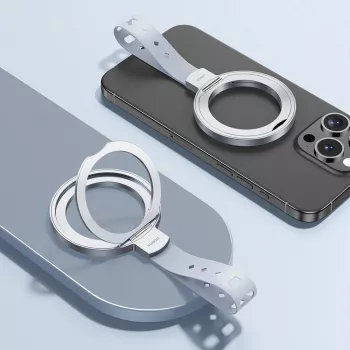
Thick cases, metal plates, magnetic mounts, pop-style grips, and wallet attachments can block or disrupt wireless charging. Even if your case is “wireless charging compatible,” try charging with the case removed to confirm whether it’s the cause.
4) Clear obstructions and reduce heat
Dust or debris on the charger or phone back can prevent a stable connection. Also, if the iPhone gets too warm (gaming, navigation, hot car), iOS may pause charging to protect the battery. Let it cool and try again on a hard, ventilated surface.
5) Rule out software or hardware issues
Restart your iPhone and update iOS, since charging behavior can be affected by system bugs. If the phone won’t wirelessly charge on multiple Qi chargers (but wired charging works), the wireless charging coil may be damaged and could require service.
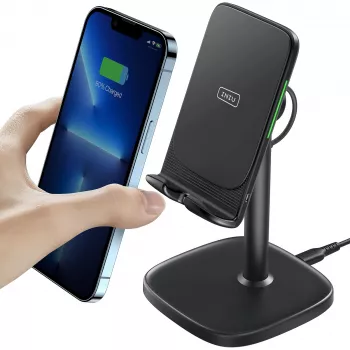
For a deeper look at choosing a dependable stand-style charger and what to pair it with, see this guide to a 15W iPhone wireless charger stand.
FAQ
Do iPhone 11 cases interfere with wireless charging?
Yes—thick cases, metal parts, and add-ons like magnetic plates or wallet attachments can prevent charging or make it inconsistent. If wireless charging fails, test with the case off and remove any accessories attached to the back.












Leave a comment