

Bluetooth MP3 Players Explained: Pairing, Codecs, Latency
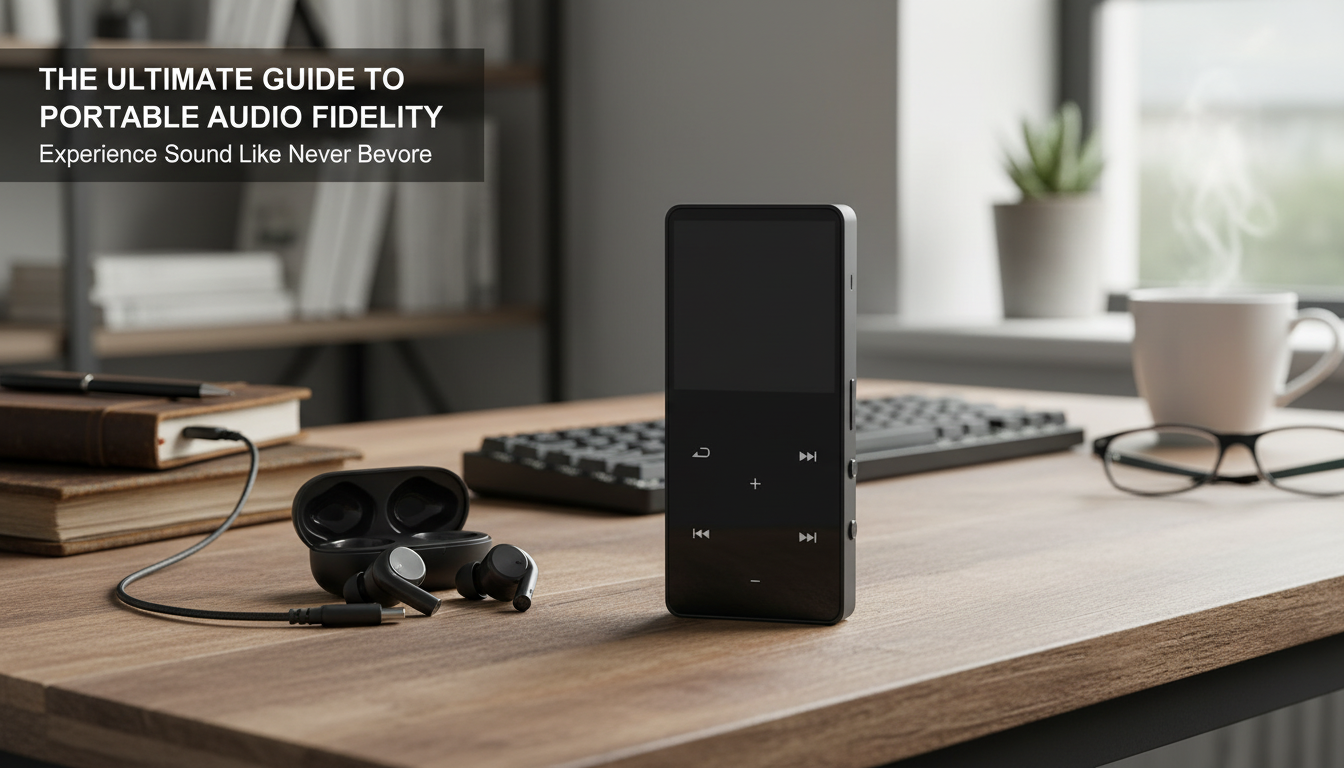
How does a Bluetooth MP3 player work?
A Bluetooth MP3 player works by storing or streaming audio, turning that audio into a wireless Bluetooth signal, and then sending it to a paired device like headphones, earbuds, a speaker, or a car stereo. Inside the player, your music files (often MP3, WAV, or similar formats) are read from internal memory or a microSD card. The player’s processor decodes the file into a playable audio stream.
When you choose Bluetooth output, a built-in Bluetooth radio (a small wireless chip and antenna) takes over. First, the player “pairs” with your listening device. Pairing is a one-time handshake where both devices confirm they’re allowed to connect, usually by selecting the device name on the MP3 player and approving the connection on the headphones/speaker. After that, they automatically reconnect when Bluetooth is on and both are nearby.
Once connected, the MP3 player uses a Bluetooth audio profile (typically A2DP) to transmit sound. To fit audio over Bluetooth efficiently, the player encodes the decoded audio into a Bluetooth codec (such as SBC, and sometimes AAC or others depending on the model). Your headphones or speaker receives that stream, decodes it back into audio, and plays it through its amplifier and drivers. Playback controls (play/pause/skip/volume) may also be sent back and forth using Bluetooth control profiles, depending on device support.
What affects sound quality and stability?
Range and interference matter. Walls, pockets, and nearby Wi‑Fi devices can weaken the signal. Codec support can also change sound quality and delay: basic codecs prioritize compatibility, while higher-quality codecs (if supported by both devices) can sound cleaner and reduce latency.
Bluetooth vs. wired playback
With a wired connection (like a 3.5mm jack), the player converts audio to an analog signal and sends it directly to headphones. With Bluetooth, the audio stays digital during transmission and is converted to analog inside the receiving device.
For a deeper look at features like Bluetooth, speakers, FM radio, and more, see this guide: https://hovira.com/guide-bluetooth-mp3-mp4-player-speaker-fm-radio-e-book-reader/.
FAQ
Why is there a delay (latency) when using Bluetooth headphones with an MP3 player?
Bluetooth adds processing time for encoding and decoding audio, which can create a slight delay. Using devices that support lower-latency codecs and keeping them close together can help reduce it.












Leave a comment